How to create a new token
- Log in to the DataLinks platform.
- Click Settings in the left navigation menu.
- Click the Tokens & API tab.
- Click + Add a new token.
- Enter your desired token name and set an expiration date (for example, one month).
- Click + Create token.
-
Copy and save your token.
You can only view your token information during creation. Save a copy in a secure place so you can access it later. Otherwise, you will need to create a new token.
- Click I’ve copied the token to close.
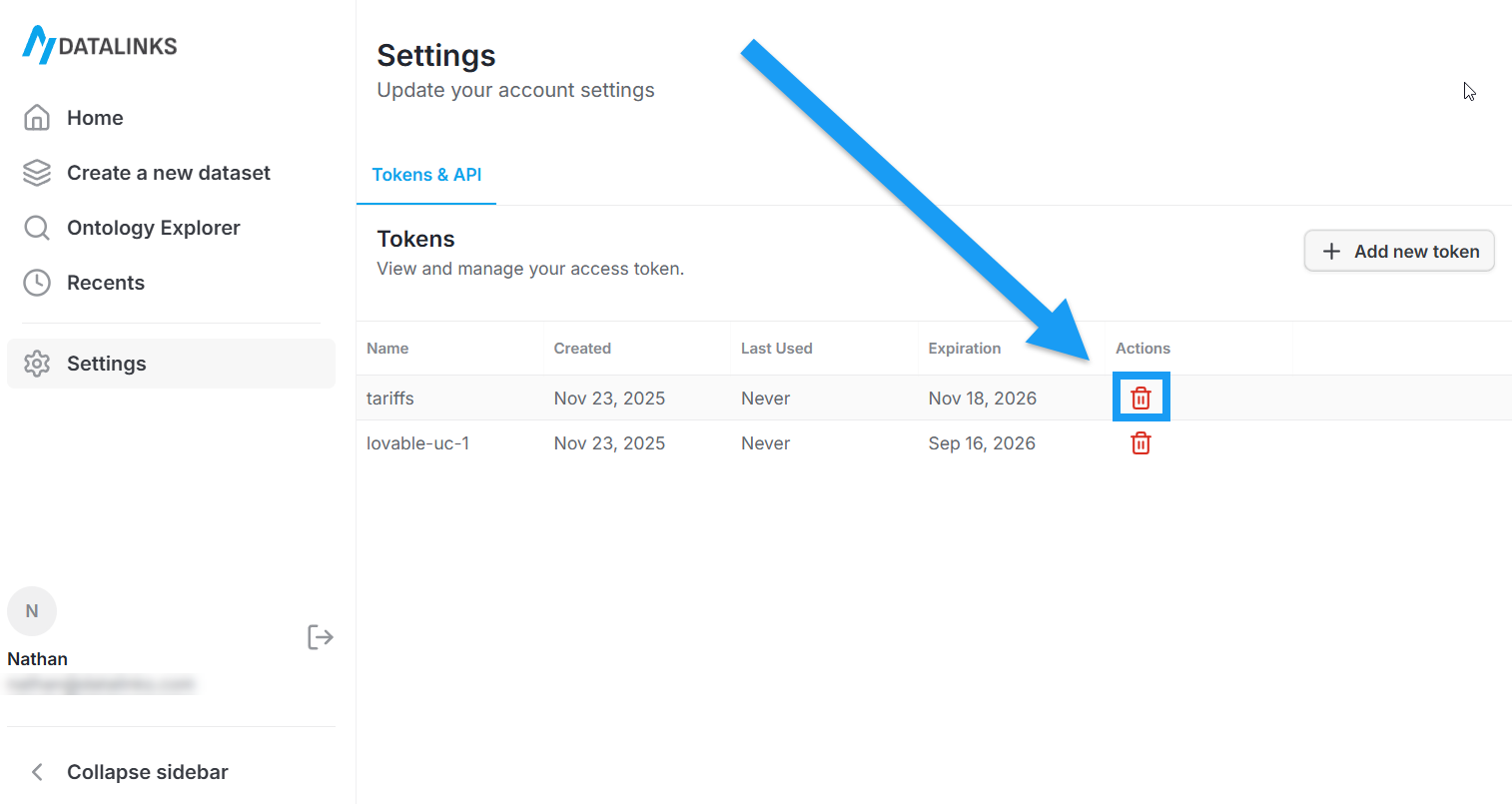
How to Delete a Token
On the Tokens & API tab of the Settings page, you can click the red trash icon in a token’s row to delete it, as shown in the screenshot below: